Tabbit Browser safety guide
Is Tabbit Browser Safe? What to Check Before You Download
Tabbit Browser can be a reasonable AI browser to test when you verify the release source, match the installer to your device, and keep AI-agent actions under review. This page explains the safety checks that matter before you install or let a browser agent act on your behalf.
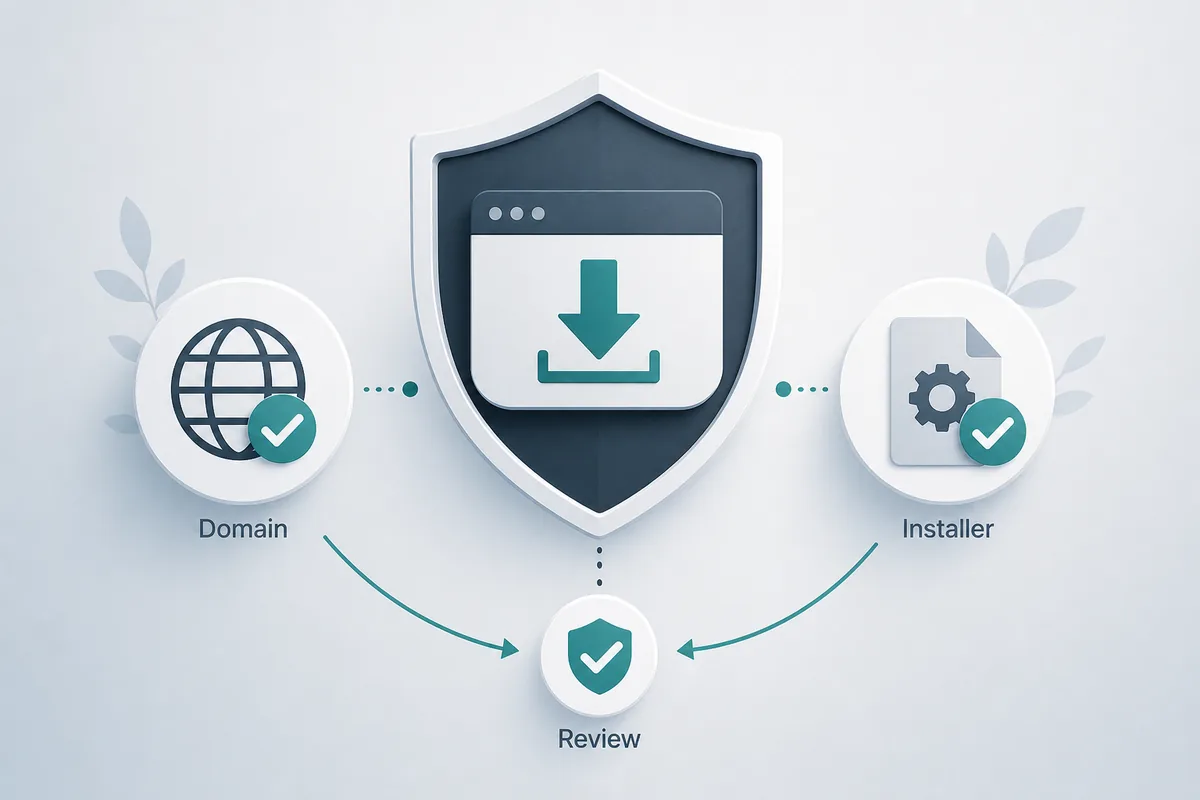
Short answer: safe enough to evaluate, not something to install blindly
Tabbit Browser should be treated like any new AI-powered browser: verify the source first, install only the file that matches your operating system, and do not give an agent access to sensitive accounts until you understand the permission model. The current installer links used on this site still resolve from the Tabbit-controlled release host, and the checked build is v1.0.29 for both Windows and macOS.
The important safety distinction is between reading and acting. Asking an AI browser to summarize a public page is lower risk. Letting it fill forms, download files, open private dashboards, or change account settings is higher risk and should require human review. If you use Tabbit Browser for research, start with a separate browser profile, public pages, and reversible tasks.
This page does not claim that every Tabbit Browser download is automatically malware-free or safe for every workplace. It gives a practical checklist: confirm the domain, confirm the installer path, compare version details, review privacy and terms, and set boundaries for AI-agent actions before using it with private data.
When people ask whether Tabbit Browser is safe, separate three questions: whether the installer comes from the expected release source, whether the browser's privacy terms fit your data, and whether agent permissions are limited before it can act. Passing one check does not prove the other two, so use the source, privacy, and permission checks below together.
Latest verified Tabbit Browser version check
The current international stable release files were checked on July 25, 2026.
| Platform | Latest verified build | Source checked | What to verify |
|---|---|---|---|
| Windows PC (x64) | v1.0.29, EXE, 222.3 MiB, updated June 8, 2026 | Official releases.tabbit.ai international stable release path | Use Windows 10 or later on x64 and avoid reuploaded mirrors. |
| macOS (Apple Silicon) | v1.0.29, DMG, 123.1 MiB, updated June 8, 2026 | Official releases.tabbit.ai international stable release path | Use macOS 12 or later on Apple Silicon and keep the file name intact. |
| macOS (Intel) | v1.0.29, DMG, 139.4 MiB, updated June 8, 2026 | Official releases.tabbit.ai international stable release path | Use macOS 12 or later on an Intel Mac and select the Intel installer. |
Version 1.0.29 is the newest stable international build found in Tabbit's first-party download configuration. All three release URLs returned partial file content during verification; compare the platform and architecture before installing.
Four checks before installing Tabbit Browser
A safe install path is not one signal. It is a chain: source, device fit, version details, and a human decision before running the file.
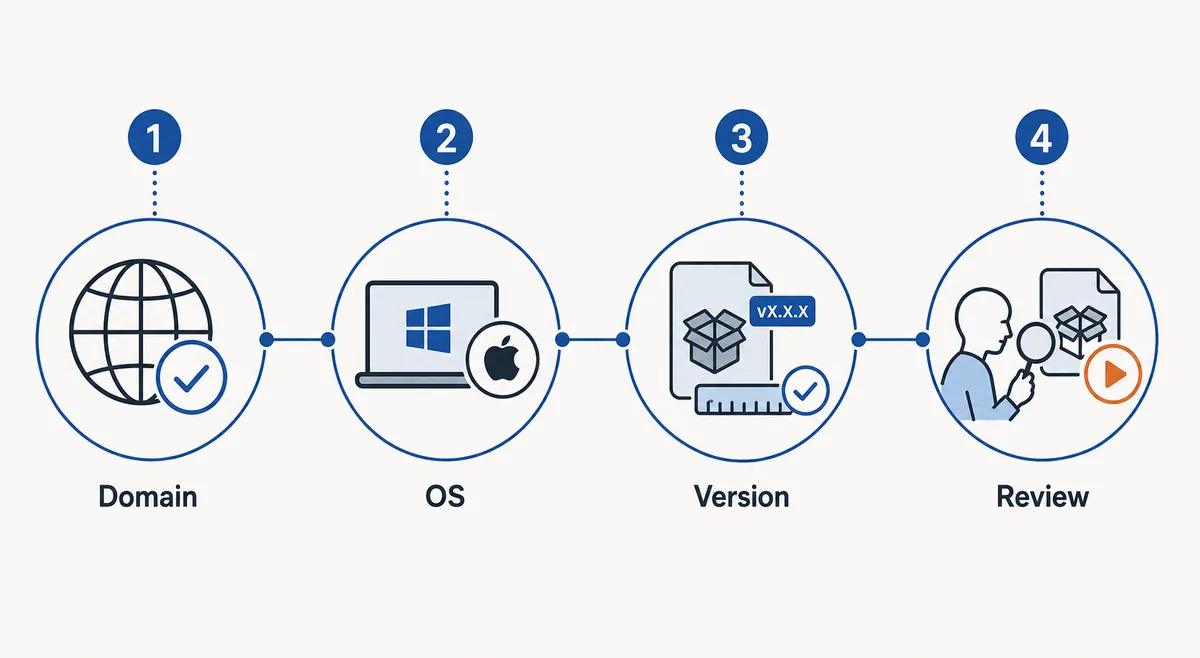
Check the source domain
Prefer clearly branded Tabbit pages and the release host used by the download buttons. Avoid ad-heavy mirrors, URL shorteners, and pages built around misspellings such as tabbitbrower or tabbitbroswer.
Match the installer to your device
Windows users need the x64 EXE. Mac users need the Apple Silicon DMG. A legitimate-looking file is still wrong if the platform or architecture does not match your computer.
Compare version and size
The latest verified international stable build is v1.0.29. On July 25, 2026, the Windows x64 EXE, macOS Apple Silicon DMG, and macOS Intel DMG responded from Tabbit's official release host.
Run it with boundaries
Start with public pages and a separate profile. Do not connect banking, admin, health, customer-data, or payment sessions until you are comfortable with the browser's behavior.
What looks safe, what needs caution, and what to avoid
Use this matrix when a search result, social post, or download portal says Tabbit Browser is safe without showing details.
| Signal | Lower risk | Use caution | Avoid |
|---|---|---|---|
| Download source | Tabbit-controlled release URL or clearly branded official page. | A reputable article that links back to the original source. | Reuploaded EXE/DMG files, bundles, mirrors, or shortened links. |
| Installer details | Version, OS, architecture, and file size match the expected build. | The page has a version but no date or platform detail. | Generic download buttons with no file name, version, or source. |
| AI agent actions | Summaries, research, and draft preparation on public pages. | Form filling, uploads, downloads, or actions inside accounts. | Automatic purchase, deletion, publishing, or account changes without review. |
| Privacy context | Privacy, terms, and data-use information are visible before install. | Policy links exist but do not explain AI page access clearly. | No privacy context, no company identity, or claims of being 100% safe with no evidence. |
AI-agent permissions: read, review, approve
Tabbit Browser is useful because it can assist with browser tasks. That same capability means you should separate low-risk reading from actions that affect accounts, files, or money.
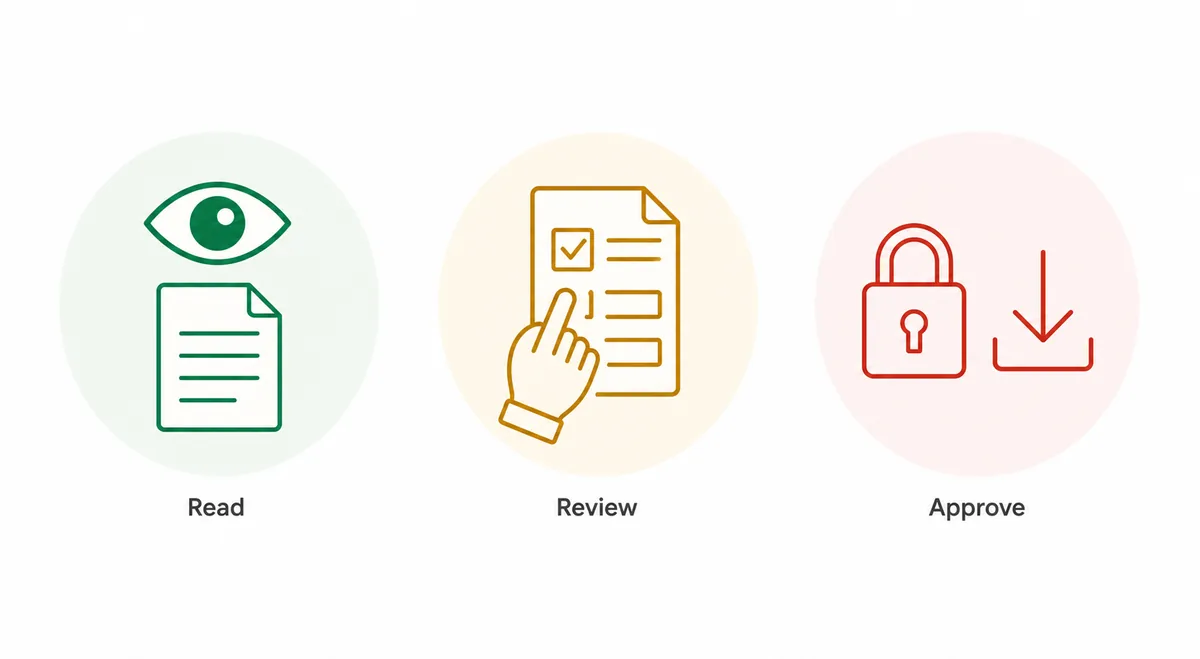
Read
Let the browser summarize public pages, compare open sources, or organize research notes. This is the safest first workflow because it is mostly observational.
Review
When a task prepares a form, draft, upload, or download, inspect the final state before anything is submitted or opened. Treat the AI output as a draft.
Approve
Require explicit approval for account changes, purchases, file execution, publishing, deletion, or private-data workflows. Do not automate those steps on day one.
Sources and official checks
These links support the version and safety checks above. Use them as starting points, not as a substitute for your own workplace policy.
FAQ
Short answers for people searching whether Tabbit Browser is safe before downloading.
Is Tabbit Browser safe to download?
It is safer to evaluate when you use a Tabbit-controlled release URL, match the installer to your device, and review permissions before using AI-agent features. Do not trust random mirrors or pages that only say safe without showing source details.
What is the latest verified Tabbit Browser version on this site?
The latest verified international stable build is v1.0.29. On July 25, 2026, the Windows x64 EXE, macOS Apple Silicon DMG, and macOS Intel DMG responded from Tabbit's official release host.
Can I use Tabbit Browser with work accounts?
Only after checking company policy and using conservative settings. Start with a separate profile, public research tasks, and approval checkpoints before connecting private dashboards or customer data.
Does Tabbit Browser need human approval for AI-agent tasks?
Any browser agent should require human review before risky actions such as downloads, account changes, publishing, deletion, purchases, uploads, or form submissions. Reading and summarizing pages is lower risk than acting inside accounts.
Should I download Tabbit Browser from third-party portals?
Avoid third-party portals unless they clearly point back to the original Tabbit-controlled file source. Reuploaded installers, bundles, and mirrors increase risk even when the page looks convenient.