Guida agli agenti browser IA
Hermes Agent Browser Use: quando lasciare a un agente IA il controllo del web
Hermes Agent Browser Use riguarda un intento preciso: capire come un agente IA si collega a un browser, cosa puo fare in sicurezza e quando un browser agentico come Tabbit Browser e piu adatto.
Risposta breve
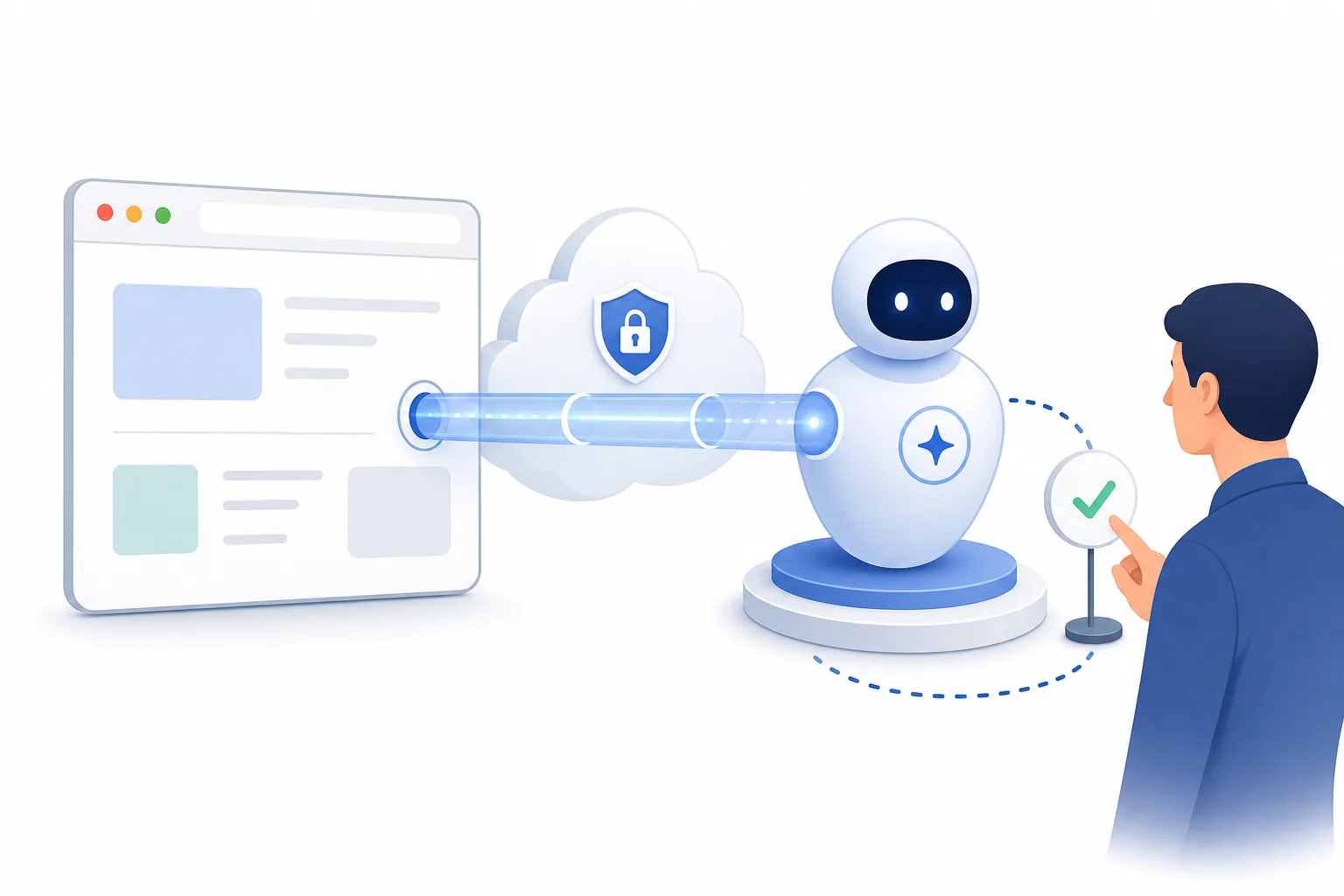
Usa un flusso tipo Hermes quando il modello deve leggere pagine, scegliere azioni nel browser e restituire prove, mantenendo revisione umana sui passaggi importanti.
Non e un sostituto universale del browser. Per flussi stabili Playwright e spesso piu sicuro; per uso quotidiano Tabbit Browser offre un percorso agentico gia pronto.
La scelta dipende da giudizio del modello, controllo browser, prove e approvazioni. Se non servono tutti, una soluzione piu semplice e preferibile.
Dove Hermes Agent Browser Use e adatto
A browser-use workflow is useful only when the browser needs to adapt. If a normal script or an ordinary AI sidebar already solves the task, do not add an agent layer.
| Task | Fit | Why | Recommended action |
|---|---|---|---|
| Research across changing pages | Strong | The agent can read different page layouts, summarize evidence, and decide which source to inspect next. | Use a browser agent with citations and a final human review. |
| Repeatable login or checkout test | Weak | Deterministic tests need stable selectors, fixtures, and CI logs more than model judgment. | Use Playwright and keep the agent out of the critical path. |
| Vendor or product comparison | Good | The agent can compare pages, extract claims, and prepare a decision table while preserving source URLs. | Use agent browsing for the draft, then verify claims manually. |
| Admin, finance, or publishing action | Risky | The cost of a mistaken click is high, and untrusted page instructions can influence the model. | Require explicit approval or keep the workflow manual. |
| Daily AI browsing for non-developers | Better in an agentic browser | Most users need a packaged browser experience rather than a custom browser-use stack. | Try Tabbit Browser or another agentic browser first. |
Un flusso agente piu sicuro
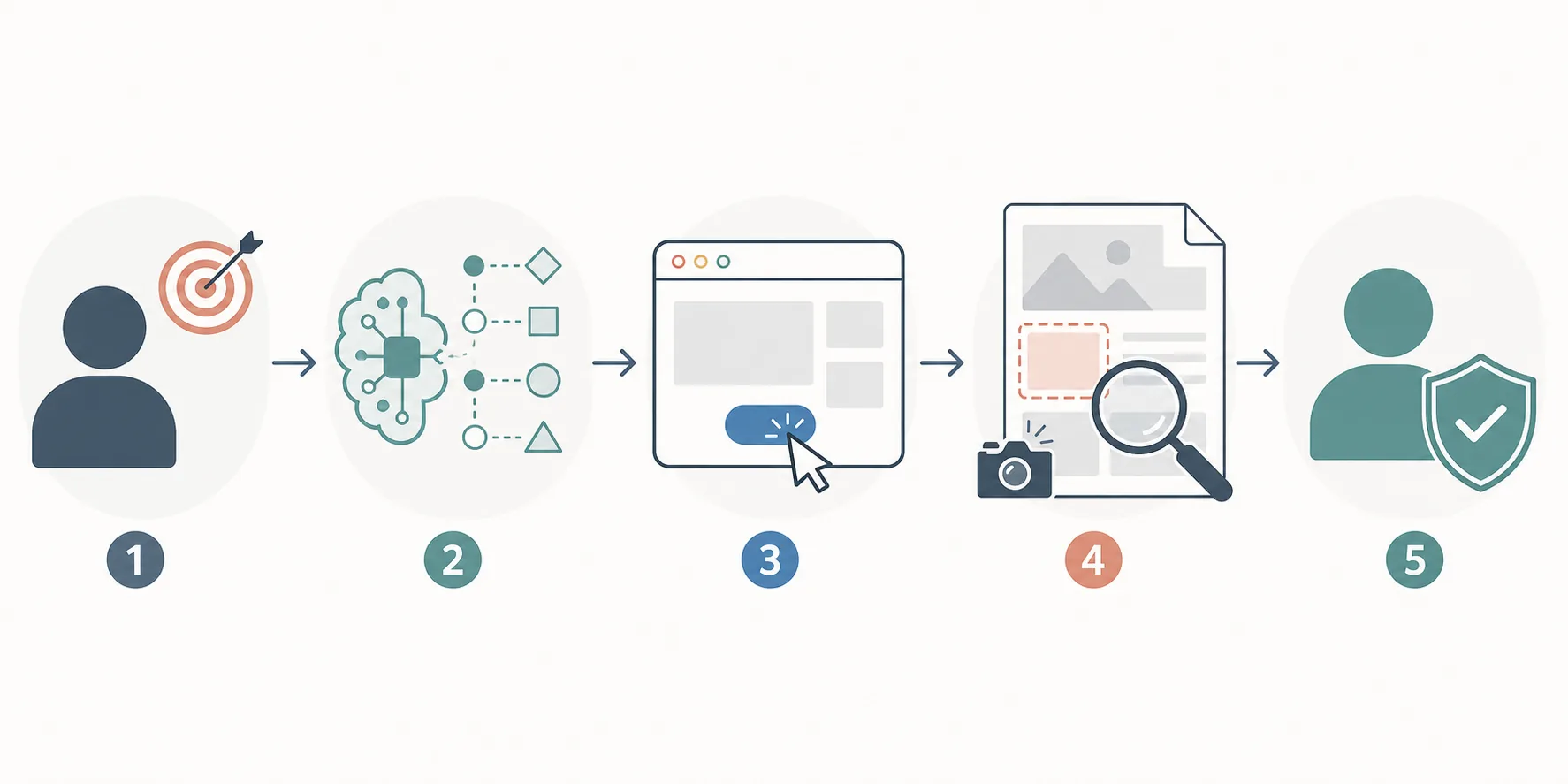
Keep the model, browser session, evidence, and approvals separate enough that you can understand what happened after the task finishes.
Define the allowed goal
Write the task as a bounded request: what domains are allowed, what data may be read, and what actions are forbidden. A vague goal gives the agent too much room to improvise.
Use a clean browser session
Run the workflow in a separate profile without banking, admin, customer, or personal email sessions. This limits accidental data exposure.
Ask for an action plan first
Before clicks or form submissions, require the agent to describe the next steps. This catches risky assumptions before the browser changes state.
Capture evidence
Save source URLs, page titles, snippets, screenshots, or structured notes so the output can be audited instead of accepted on trust.
Approve sensitive steps
Purchases, publishing, account changes, downloads, deletions, and outbound messages should pause for human review.
Controlli prima di eseguirlo
Browser agents see untrusted pages and can act through a real browser. Treat that as a security boundary, not a convenience detail.
Limit page access
Use allowlisted domains and separate profiles. Do not expose private dashboards unless the task genuinely requires them.
Expect prompt injection
A web page can contain instructions aimed at the model. The agent should ignore page instructions that conflict with the user's goal.
Keep secrets out
Do not paste API keys, passwords, payment details, or private tokens into an agent-controlled page session.
Log what happened
Record the plan, visited URLs, actions, and final evidence. If you cannot inspect the run afterward, it is too risky for important work.
Block irreversible actions
Delete, send, purchase, publish, and account-change actions should require explicit approval or be disabled in the workflow.
Prefer scripts for stable tasks
When the target flow is fixed, a tested script is easier to review than model-driven clicking.
Quando scegliere un'alternativa
Hermes Agent Browser Use is useful, but it is not the default answer for every AI browser task.
Choose Tabbit Browser for packaged agentic browsing
If you want an AI browser for research, background tasks, natural-language workflows, and everyday delegation, Tabbit Browser is easier than building a custom browser-use stack.
Choose Playwright for deterministic automation
Use Playwright when selectors, assertions, screenshots, and CI reproducibility matter more than AI judgment.
Choose an AI research browser for source-heavy reading
If the task is mostly search, summaries, and citation comparison, a research-first AI browser may be enough without browser-control infrastructure.
Fonti da verificare
Use official or primary sources to verify current package names, safety controls, and browser automation limits before building a workflow.
Prova browsing agentico senza creare lo stack
Tabbit Browser gives users a practical AI browser path for research, workflow delegation, and safer supervised browsing without starting from a custom browser-use setup.
FAQ
Short answers for people searching Hermes Agent Browser Use, browser-use agents, and agentic browser workflows.
What does Hermes Agent Browser Use mean?
It usually refers to using an AI agent with a browser-use style automation layer so the model can inspect web pages, choose browser actions, and return evidence. The exact implementation may vary, so verify the project or model source before following setup advice.
Is Hermes Agent Browser Use the same as an agentic browser?
No. A browser-use workflow is usually a developer-controlled automation stack. An agentic browser is a packaged browser product where AI assistance, page context, and user controls are built into the browsing experience.
Is a browser agent safe for private accounts?
Only with strict boundaries. Use separate profiles, avoid secrets, block irreversible actions, and require human approval for payments, publishing, account changes, downloads, and data submissions.
Should I use Playwright or a browser agent?
Use Playwright for deterministic tests and repeatable workflows. Use a browser agent when the task changes, requires judgment, or needs cross-page research that a fixed script cannot handle well.
What is the best alternative for non-developers?
A packaged agentic browser such as Tabbit Browser is usually a better starting point for non-developers because it avoids custom setup and keeps the workflow inside a normal browsing experience.