Extension or full AI browser?
Agentic Browser Extension: How It Works, Risks, and When to Use One
An agentic browser extension can read page context and, when allowed, click, type, extract data, or run multi-step tasks inside your existing browser. The convenience is real, but so is the permission boundary: the extension may operate inside sessions where you are already signed in.
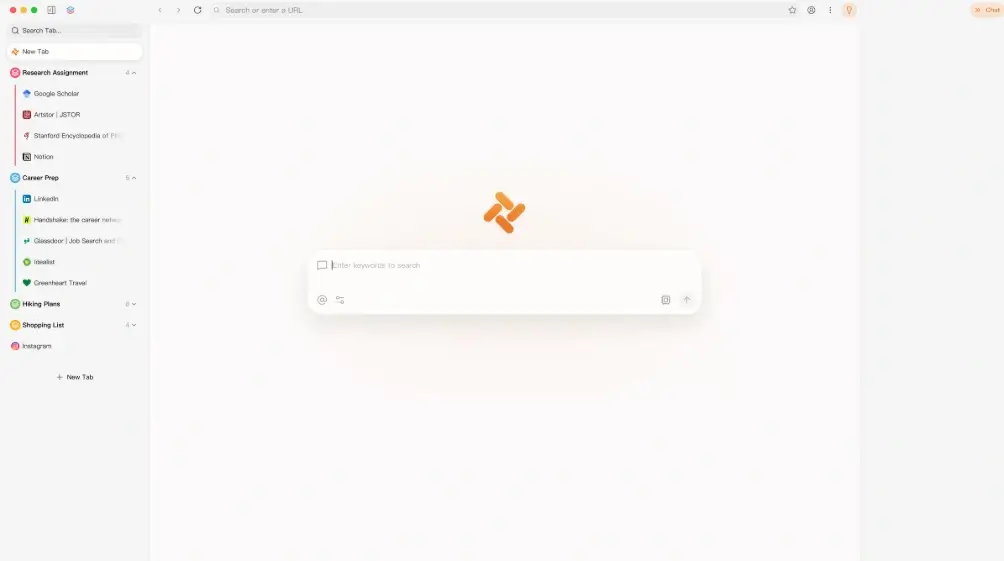
The short answer: an extension adds an agent to your current browser
An agentic browser extension is an add-on that connects an AI model or agent service to the pages open in Chrome, Edge, Firefox, or another supported browser. A simple AI sidebar may only summarize text or answer questions. A truly agentic extension can observe the page, plan actions, interact with forms and buttons, move between tabs, and verify whether a task succeeded. That active capability is the important boundary: it turns page context into possible account actions.
Choose an extension when you want to keep your existing browser profile and need help mainly on the current page or a small set of approved sites. Choose a full agentic browser when the agent needs browser-level workspaces, isolated task sessions, deeper tab context, or long multi-site workflows. Choose Playwright, Selenium, or another scripted automation tool when the steps are stable, repeatable, testable, and suitable for code review. None is universally best; the right choice depends on task scope, data sensitivity, and how much human approval the workflow needs.
This page is a decision guide, not a download page for a particular extension. Store listings, permissions, privacy policies, supported browsers, and product availability change quickly. Verify those details on the current publisher and browser-store pages before installing anything, especially when the extension can read all site data or act inside work, finance, health, or administrator accounts.
Agentic browser extension vs full AI browser vs scripted automation
Start with the task, not the product name. The same phrase ‘browser agent’ can describe three very different control models.
| Approach | Best for | Main strength | Main limit | Choose it when |
|---|---|---|---|---|
| Agentic browser extension | Current-page assistance, sidebar research, approved form help, and light multi-tab work in an existing browser profile. | Fast installation and access to the browser, bookmarks, and signed-in sessions you already use. | Broad site permissions can expose sensitive page content, cookies, prompts, or account actions to the extension and its service. | You can limit site access, understand where data is processed, and keep submission or payment steps under human approval. |
| Full agentic browser | Research workspaces, parallel tasks, browser-native context, and longer workflows that cross several sites. | The agent, tabs, history, task state, and approval controls can be designed as one product rather than bolted on. | Switching browsers requires migration and places more browsing activity inside a newer product's trust boundary. | You need deeper browser integration and can use a separate profile or isolated workspace for agent tasks. |
| Playwright or scripted automation | Regression tests, scheduled exports, known forms, repeatable QA, and workflows with stable steps and assertions. | Deterministic code, logs, version control, explicit selectors, and repeatable failure handling. | Scripts are less adaptive when layouts or wording change and require technical maintenance. | The task has a fixed recipe and reliability, auditability, and CI execution matter more than conversational control. |
How an AI browser agent extension works
Most products combine page observation, model reasoning, browser actions, and a verification loop. The details determine both usefulness and risk.
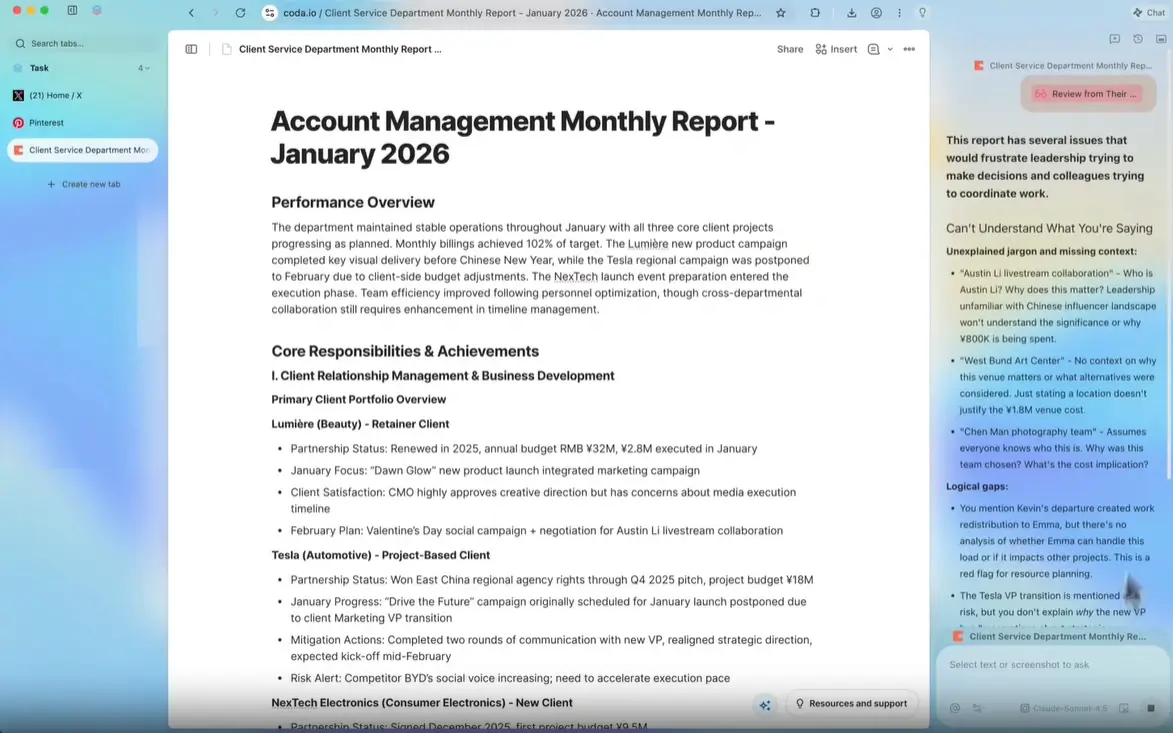
1. Observe page context
The extension may read selected text, the visible page, DOM elements, open-tab metadata, or screenshots. Read-only access is still meaningful data access. Check whether observation happens only after a click, on selected sites, or on every page.
2. Plan with an AI model
The extension sends a task and relevant context to a local or remote model. Ask which provider receives the content, whether prompts are retained or used for training, and whether you can bring your own API key without exposing it to unrelated pages.
3. Act through browser APIs
Active agents may click links, type into fields, change tabs, download files, or submit forms. Site access, scripting, downloads, clipboard, and tab permissions are not interchangeable; review every requested permission in relation to the feature you actually need.
4. Verify and request approval
A responsible loop checks the resulting page state and pauses before irreversible actions. Look for previews, allowlists, per-site controls, action logs, clear stop buttons, and explicit approval before sending messages, publishing, buying, deleting, or changing accounts.
7 checks before installing an agentic browser extension
A store badge or large user count can be useful context, but neither replaces a current permission and publisher review.
Verify the publisher and official listing
Start from the vendor's official documentation and follow its store link. Match the extension name, publisher, privacy-policy domain, support contact, version history, and update date. Avoid look-alike listings and sideloaded packages from file mirrors.
Map each permission to a feature
Ask why the extension needs access to all sites, tabs, downloads, clipboard, history, identity, or local applications. Prefer click-to-run or specific-site access when the workflow does not require continuous access everywhere.
Trace page and prompt data
Confirm what page content leaves the device, which model provider processes it, how long data is retained, whether humans can review it, and whether work data is covered by an appropriate contract or organization policy.
Test approval boundaries
Use a harmless test profile. Ask the agent to prepare a form, but do not let it submit. Confirm that it stops for permission before messages, uploads, purchases, account changes, deletions, or other irreversible actions.
Separate sensitive sessions
Do not begin in a browser profile that is signed in to banking, healthcare, payroll, production administration, or confidential client systems. Use a separate profile and a narrow allowlist until the behavior is understood.
Review updates and revoke access
Extensions can change after installation. Recheck release notes and permissions after major updates, remove tools you no longer use, revoke connected accounts and API keys, and clear stored task history when appropriate.
Follow workplace policy
For company use, require an approved extension list, vendor review, documented data flows, and logging appropriate to the risk. Personal installation should not bypass browser or endpoint controls set by the organization.
When an agentic extension is a good fit
Keep early use cases reversible, visible, and easy to verify. Expand only after the extension behaves predictably.
Read and summarize the current page
A sidebar agent can explain a long document, extract key points, compare visible claims, or turn selected text into notes. This is a lower-risk starting point when page access is limited and the output is reviewed.
Guided research across a few tabs
Use the agent to collect facts from an approved set of sources, then check every citation and conclusion. A full agentic browser may be better when research spans many sites, files, and long-running task groups.
Prepare forms without submitting
The agent can draft values or fill repetitive non-sensitive fields while a person verifies the final form. Keep identity, payment, legal attestations, and submission under direct human control.
Extract visible tables into structured data
An extension may convert a page table into CSV or JSON. Confirm that the site permits the use, avoid personal data, and compare row counts and totals before relying on the output.
Limits that marketing pages often understate
Agentic does not mean infallible. Browser state, page design, model behavior, and permission scope can all change the result.
Prompt injection can redirect the agent
Instructions hidden in a webpage, document, or message can conflict with your task. Treat page content as untrusted input and require confirmation before the agent crosses sites, reveals data, or takes an action.
Compatibility varies by browser
An extension listed for Chrome may not work in every Chromium-based browser, managed profile, mobile browser, or private mode. Verify the publisher's current support page rather than assuming compatibility from the engine name.
Long workflows can lose state
Tabs close, sessions expire, CAPTCHAs appear, pages rerender, and models can misunderstand ambiguous instructions. Break important work into short stages with visible checkpoints and saved intermediate output.
Site rules and accountability still apply
Automation does not override a site's terms, rate limits, privacy obligations, or your responsibility for submitted actions. Use official APIs when they are the intended route and avoid automating prohibited access.
Continue with the right browser-agent guide
Use these pages to compare full browsers, understand security risks, or choose deterministic automation.
Best agentic browsers
Compare full AI-native browsers when an extension is too limited for your workflow.
Browser agent security risks
Review prompt injection, account exposure, approval boundaries, and safer defaults.
AI agent browser vs automation
Decide when Playwright or scripted browser automation is the more reliable choice.
Official and authoritative references
Use current documentation to verify installation, compatibility, permissions, and enterprise controls before deployment.
Do you need an extension or a full agentic browser?
Compare the broader browser options first, then apply the security checklist before installing or connecting an agent.
Agentic browser extension FAQ
Concise answers to the questions people ask before installing an AI agent in their browser.
What is an agentic browser extension?
It is a browser add-on that gives an AI agent access to page context and, depending on permissions, the ability to interact with pages. Unlike a basic chatbot sidebar, an agentic extension may plan and execute steps such as clicking, typing, extracting data, changing tabs, or preparing forms.
Is an AI browser extension the same as an agentic browser?
No. An extension adds capabilities to an existing browser. A full agentic browser integrates AI, tabs, task state, workspaces, and approval controls at the browser level. Extensions are convenient for narrower tasks; full browsers can support deeper and more isolated workflows.
Are agentic browser extensions safe?
Safety depends on publisher trust, permissions, data handling, update practices, and how you use the extension. Limit site access, test in a separate profile, avoid sensitive accounts, verify privacy terms, and require approval before irreversible actions. A store listing alone is not proof of safety.
What permissions should I check?
Review access to site data, tabs, scripting, downloads, clipboard, history, identity, and local applications. Each permission should map to a feature you need. Prefer access only when clicked or on specific approved sites when possible.
Can an agentic extension fill and submit forms?
Some can, but capability and restrictions vary. A safer workflow lets the agent prepare or fill a form and requires a person to review and submit it. Keep payment, legal, medical, account, and identity decisions under direct human control.
When should I use Playwright instead?
Use Playwright or another scripted tool when the steps are stable, repeatable, version-controlled, and need assertions, logs, or CI execution. Use an agent when the task requires interpretation or adaptation, but keep clear checkpoints for actions with consequences.
Does Tabbit offer an agentic browser extension?
This guide does not claim that Tabbit is a browser extension. Tabbit is presented here as a full AI-native browser comparison point. Check Tabbit's current official product pages for supported platforms and features, and use official extension-store listings for any add-on you evaluate.
How do I evaluate a free agentic browser extension?
Check the official publisher, business model, privacy policy, model provider, API-key handling, permission scope, version history, support channel, and removal process. Free pricing does not explain how data is processed, so verify the data flow before using private page content.