Comparatif de navigateurs avec agents IA
Meilleurs navigateurs avec agents IA en 2026 : sécurité, tâches et usages
Comparez les navigateurs capables d’interpréter des pages et d’aider sur des tâches en plusieurs étapes. Le bon choix dépend de votre travail, des accès, des validations et des options de reprise, pas seulement du terme agent.
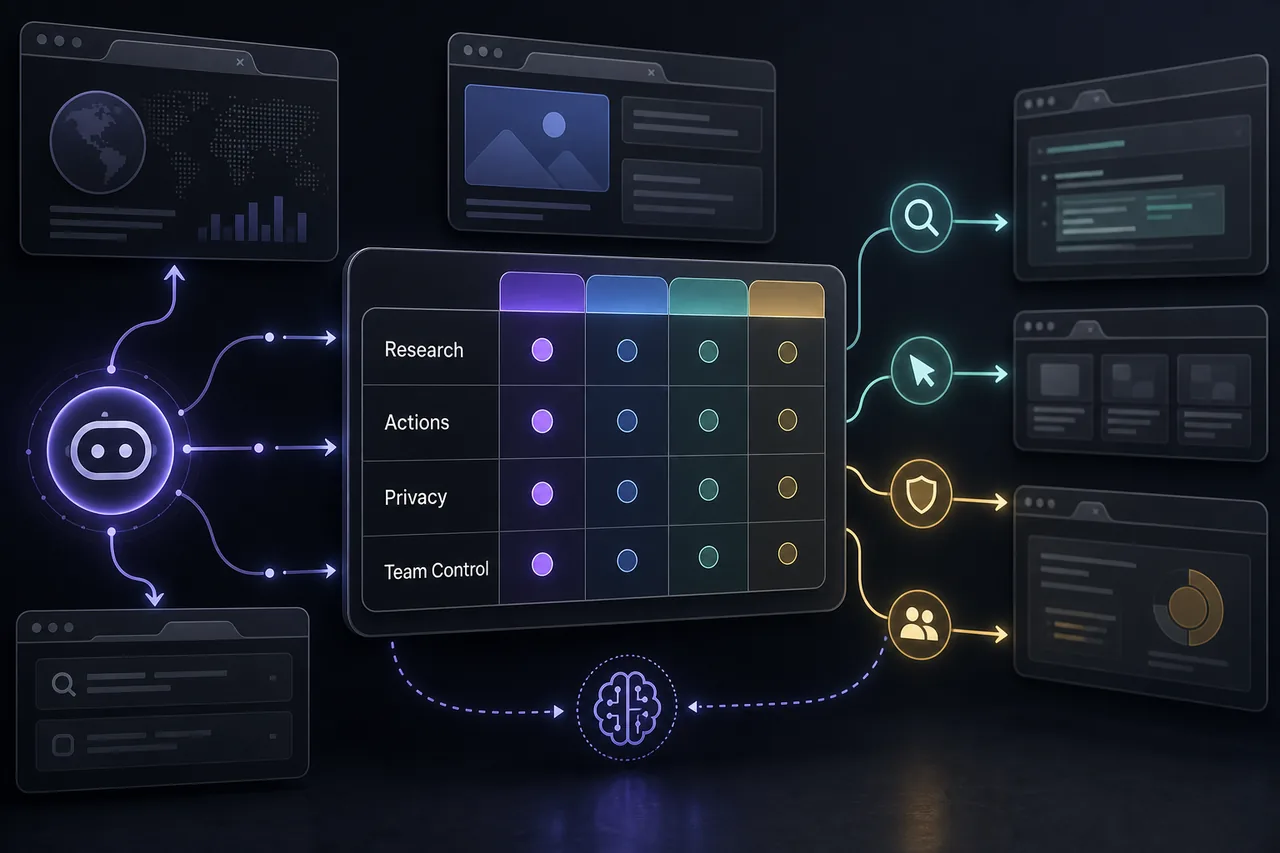
Quel navigateur avec agent IA choisir ?
Pour choisir parmi les meilleurs navigateurs avec agents IA, associez compréhension des pages et validations visibles. Perplexity Comet convient à la recherche et à la comparaison de sources ; ChatGPT Atlas s’intègre aux habitudes des utilisateurs de ChatGPT ; Dia mise sur les onglets, l’écriture et le contexte. Vérifiez d’abord les fonctions disponibles dans votre région.
Si vous souhaitez déléguer du travail dans le navigateur, au-delà d’une lecture plus rapide, Tabbit Browser peut faire partie de la sélection. Son approche couvre la navigation assistée par IA, les tâches en arrière-plan et l’automatisation en langage naturel. Évaluez ces fonctions par rapport à votre usage et vérifiez leurs limites actuelles.
Ne choisissez pas un navigateur uniquement parce qu’il peut cliquer. Demandez quelles pages il lit, quelles données il conserve, quand il demande une validation, ce qu’il journalise et comment annuler une action. La différence entre assistance et délégation, ainsi que la protection des comptes privés, détermine son adéquation à votre usage.
Comparatif des navigateurs avec agents IA
Ce tableau distingue l’aide à la lecture des pages de l’exécution de tâches. Disponibilité, limites et paramètres de confidentialité peuvent évoluer : vérifiez la documentation officielle avant d’utiliser un compte sensible.
| Navigateur | Idéal pour | Capacité agentique | Point de vigilance |
|---|---|---|---|
| Tabbit Browser | Personnes qui veulent faire de la recherche, déléguer des tâches en arrière-plan, automatiser sans code et combiner des modèles IA. | L’exécution en langage naturel, les groupes d’onglets et l’aide aux flux de travail sont pertinents quand le navigateur doit terminer une tâche, pas seulement la résumer. | Demandez une validation pour les comptes, téléchargements, paiements, formulaires et données privées. |
| Perplexity Comet | Recherche avec réponses directes, comparaison de sources, questions sur une page et lecture entre onglets. | Un bon choix pour réunir des éléments et synthétiser des informations issues de plusieurs pages. | Examinez mémoire, contexte du compte, contrôles d’espace de travail et limites avant les sources confidentielles. |
| ChatGPT Atlas | Utilisateurs de ChatGPT qui souhaitent retrouver l’assistant directement dans leur navigation. | La continuité de l’assistant aide à lire, comparer et rédiger avec le contexte des pages. | Vérifiez mémoire, accès aux pages, règles d’espace de travail et étapes de validation avant les comptes privés. |
| Dia | Professionnels qui veulent de l’aide pour les onglets, les synthèses, l’écriture et le contexte de travail. | Une option pour l’assistance contextuelle et les tâches de connaissance, sans fonctionnement entièrement autonome. | Vérifiez import, export, contrôles d’équipe et maturité du produit avant de remplacer un navigateur fiable. |
| Brave Leo | Personnes sensibles à la confidentialité qui veulent de l’IA sans délégation étendue. | Propose synthèse de pages, aide à l’écriture et modèles variés dans un navigateur axé sur la confidentialité. | Convient davantage à l’assistance qu’à la délégation ; vérifiez quelles données quittent l’appareil. |
| Opera Neon | Curieux des navigateurs qui expérimentent le plus explicitement les usages agentiques. | Le produit met en avant les tâches et les flux de travail ; tenez compte de sa disponibilité et de ses contrôles actuels. | Traitez les fonctions expérimentales avec prudence avant les comptes, paiements, données clients ou publications. |
Sécurité avant de confier des tâches à un navigateur agentique
Un agent peut lire des pages, conserver un contexte et préparer des actions. Évaluez ces contrôles sur un cas réel avant de l’adopter.
Accès aux pages et onglets
Vérifiez quand l’assistant peut lire la page actuelle, les onglets, l’historique, des fichiers, des captures ou le presse-papiers. L’accès doit être visible et facile à désactiver.
Validation humaine
Paiements, achats, changements de compte, publications, téléchargements et formulaires doivent attendre une vérification. La validation fait partie du parcours, pas d’un réglage caché.
Journal et reprise
Recherchez historique des actions, annulation, limites de session et erreurs compréhensibles. Sans explication des actions, il est difficile de répéter le travail en confiance.
Conservation et entraînement
Vérifiez si consignes, pages, fichiers et mémoire du navigateur sont conservés ou utilisés pour améliorer un modèle. Les usages sensibles demandent des contrôles vérifiables.
Instructions hostiles dans les pages
Un agent lit du contenu Web non fiable. Ne le laissez pas agir sur des comptes privés à cause d’une instruction de page non vérifiée.
Contrôles d’équipe
En organisation, contrôlez l’administration, les limites de données, les domaines autorisés, les journaux et la désactivation des permissions risquées.
Comment choisir un navigateur avec agent IA
Testez le produit sur votre tâche réelle, pas seulement dans une démonstration.
Définir le niveau d’action
Choisissez entre résumés, recherche multi-onglets, préparation de brouillons, aide aux formulaires et exécution complète.
Tester un parcours réel
Demandez de comparer trois fournisseurs, relever des exigences et préparer un rapport. Observez exactitude, délai, sources et reprise.
Séparer navigation publique et privée
Utilisez un profil de test. Évitez banque, administration, e-mail personnel et comptes de production.
Garder les scripts pour le déterministe
Une automatisation classique est souvent plus simple à contrôler pour une procédure stable. Choisissez un agent si le contexte et les pages évoluent.
Usages où un navigateur agentique peut aider
Les meilleurs cas associent recherche et contrôle humain du résultat.
Recherche et comparaison de sources
Consultez plusieurs pages, gardez les citations, confrontez les affirmations et transformez les informations en bref.
Préparation de rapports
Rassemblez des notes, résumez des pages et préparez un plan ou un document tout en gardant la révision finale.
Petites opérations Web
Aidez sur des tâches récurrentes mais variables si les envois sensibles et changements de compte restent soumis à validation.
Parcours avec browser-use
Pour comparer un navigateur prêt à l’emploi à une configuration Hermes Agent Browser Use, consultez le guide technique afin de distinguer un produit d’une pile d’automatisation pilotée par développeurs.
Sites officiels
Vérifiez disponibilité et documentation actuelle sur les pages des produits.
Essayer Tabbit Browser
Explorez la navigation assistée par IA et vérifiez si elle convient à vos tâches.
Besoin d'une extension plutôt que d'un nouveau navigateur ?
Pour ajouter compréhension de page et actions limitées à Chrome, comparez permissions et validations dans notre guide des extensions navigateur IA.
Lire le guide des extensions navigateur IAQuestions fréquentes
Réponses rapides pour comparer les navigateurs avec agents IA.
Qu’est-ce qu’un navigateur avec agent IA ?
C’est un navigateur ou environnement où un assistant IA comprend le contexte des pages et aide à atteindre un objectif en plusieurs étapes. Selon le produit et les permissions, il peut résumer, comparer, rédiger, naviguer ou préparer des actions.
Quel est le meilleur navigateur avec agent IA ?
Cela dépend de la tâche. Tabbit Browser peut convenir au travail délégué ; Perplexity Comet privilégie la recherche ; ChatGPT Atlas convient aux utilisateurs de ChatGPT. Comparez accès, confidentialité et validation sur votre parcours.
Les navigateurs agentiques sont-ils sûrs ?
Le risque diminue avec des contrôles d’accès clairs, une politique de conservation compréhensible, une validation humaine et la séparation des comptes sensibles. Prenez au sérieux les instructions hostiles et les actions accidentelles.
Quelle différence entre navigateur IA et navigateur agentique ?
Un navigateur IA peut seulement résumer ou répondre dans un panneau. Un navigateur agentique est censé avancer dans un parcours, raisonner entre les étapes et parfois préparer ou effectuer des actions autorisées.
Faut-il choisir un navigateur agentique plutôt que Playwright ?
Playwright convient à l’automatisation déterministe et répétable. Un navigateur agentique aide davantage pour la recherche ou les pages changeantes qui demandent d’interpréter le contexte avant d’agir.