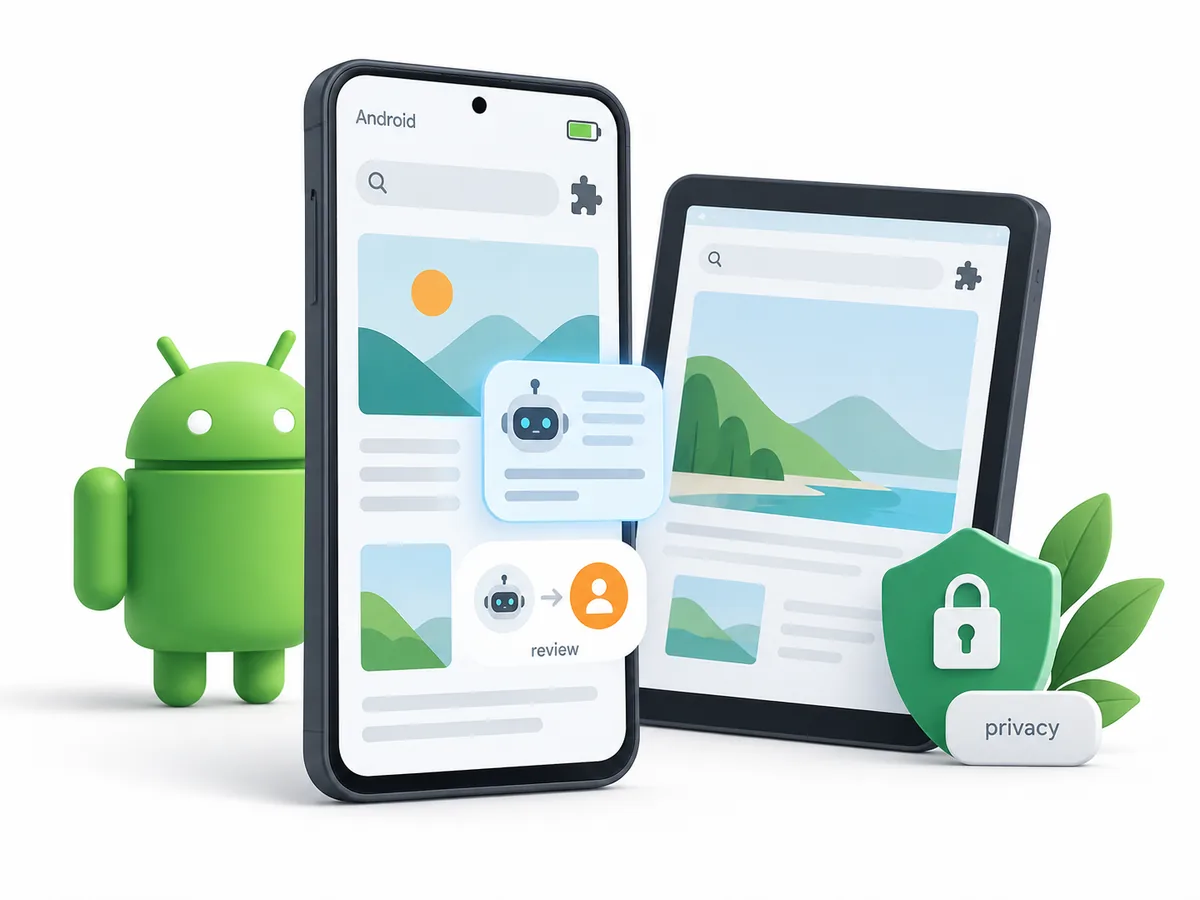
The Quick Answer: Start With Android Support, Not the AI Label
The phrase AI browser for Android covers several different products. A mobile browser may ship an assistant, a browser may support a carefully selected extension, or a hosted service may provide a remote session. A product can advertise agent workflows while supporting only another platform. Those choices have different privacy, battery, and maintenance costs.
For a daily Android setup, confirm the supported Android release, store or APK source, device architecture, and whether the browser keeps working when the screen is locked. Google Play is easier to audit than an unknown download page, while a sideloaded APK needs a trusted publisher, a stable update path, and a clear reason for the extra permission boundary. Then test extensions, private tabs, and regional model availability.
What Counts as an AI Browser on Android?
A useful definition has three parts: the browser can access some browser context, an AI system interprets that context, and the interface lets you understand or control the next step. A chatbot opened in a separate tab can still be useful, but it is not the same as a browser assistant that can read a selected page, compare tabs, or prepare a browser action.
Android-native assistant
A browser package for Android with built-in summaries, search help, writing support, or page questions. Verify release channels and supported Android releases.
Extension-based workflow
A focused assistant inside Firefox, Chrome, Chromium, Brave, or another browser. Review extension permissions and the profile it can access.
Android Browser Options With AI Workflows
There is no single winner for every Android device. Firefox is a strong baseline when you want a familiar browser and a carefully selected extension workflow. Chrome and Chromium are useful when web-app support and Google services matter. Brave adds privacy-oriented controls with optional assistance, while Vivaldi offers a configurable Chromium workspace where its Android release supports the features you need.
| Option | Best fit | AI workflow | Android check |
|---|---|---|---|
| Firefox | A stable baseline with selected extensions | Page help, writing, research extensions | Confirm Android release support and extension permissions |
| Chrome or Chromium | Web apps, Google services, and broad compatibility | AI side panels, web assistants, and extensions | Check the official store listing and device architecture |
| Brave | Privacy-aware browsing with optional AI help | Summaries and page assistance | Review assistant settings, battery use, and Android channel |
| Vivaldi | Power users who want tabs, panels, and customization | Extensions and web-based AI tools | Verify the Android feature set and update path |
Compatibility: Android Version, Device, and App Session
Android compatibility is more than a download button. Check the minimum Android release, ARM64 support, screen size, WebView behavior, and whether the app is signed and updated through a trustworthy channel. A browser can install successfully and still lose features on an older release or a low-memory device.
Mobile background limits affect page observation, notifications, clipboard access, downloads, and automation. If an AI browser needs to read a page or prepare an action, test it on a harmless public page before granting access to private sessions. A browser that can read a page is not automatically allowed to control other apps or device settings.
| Check | Questions to answer | Why it matters |
|---|---|---|
| Android release | Android 11/Android 12, Android 13/Android enterprise, Android 14, or another base? | Determines package source, dependencies, and update path |
| Architecture | ARM64, or another target? | A mismatched build may fail or lack sandbox support |
| Package format | Google Play, verified APK, managed store, signed APK, or official package? | Changes updates, permissions, integration, and removal |
| Display session | Android WebView, background and screen limits, or a mixed desktop? | Can affect automation, focus, capture, and clipboard behavior |
Privacy and Agent Controls to Check
An AI browser can be convenient because it sees more context than a normal search box. That context may include page text, selected content, open tabs, clipboard data, downloads, account state, or text shown after you sign in. Before using a new Android AI browser, find out which data stays local, which data is sent to a model provider, how long prompts and page content are retained, and whether you can delete or limit the history.
- Check page accessConfirm whether the assistant can read the current page, other tabs, history, clipboard, downloads, or account context.
- Review data routingLook for local processing, model providers, retention, training use, memory, and deletion controls.
- Limit the sessionUse a clean profile, selected domains, and public or reversible work while you test the browser.
How to Set Up an AI Browser Safely on Android
Start at the official product page, not a generic download portal. Verify the domain, package name, architecture, checksum or signature when published, and the release notes. A page that asks you to disable security software, install an unrelated downloader, or run a suspicious shell command is a reason to stop. Android users should prefer a signed repository or a clearly documented first-party package when one is available.
- Verify the sourceUse the publisher's official page and compare the exact product name, package URL, version, and architecture.
- Install the smallest buildPrefer the documented package or repository and avoid reuploaded mirrors, wrappers, and unrelated bundles.
- Create a clean profileDo not let an experimental AI browser inherit personal cookies, saved passwords, payment methods, or production sessions.
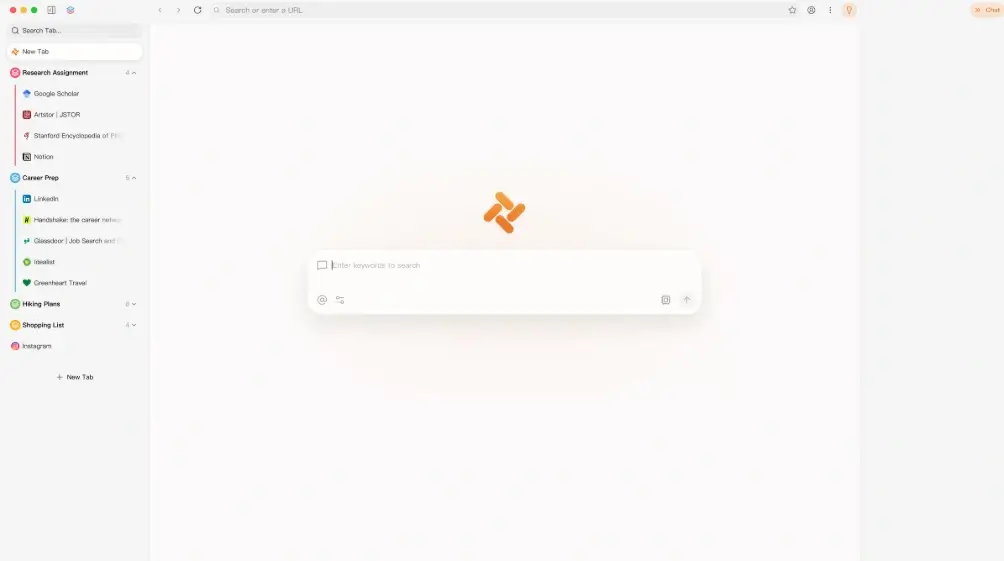
Tabbit Browser Status for Android Users
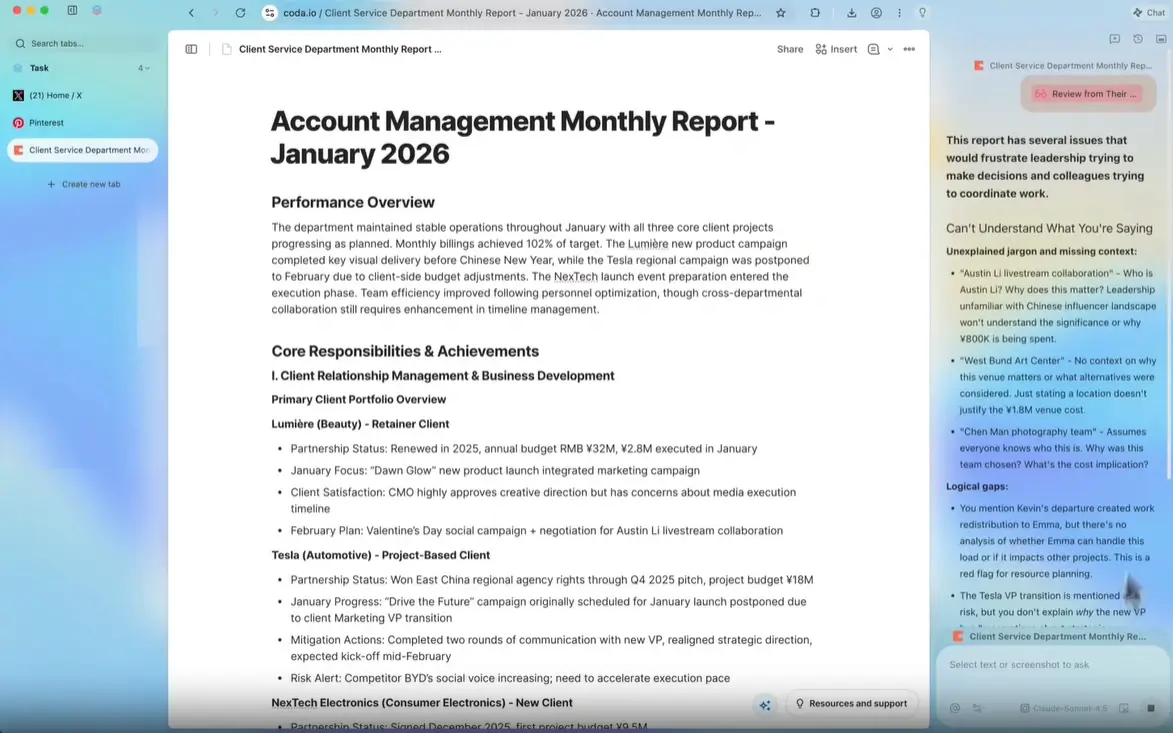
Tabbit Browser is relevant because it presents an AI-native workflow around background tasks, research, multi-model access, and natural-language automation. Those capabilities are useful comparison points, but they should not be confused with Android availability. A product can be a good AI browser for Windows or macOS while still being unavailable on Android.
On October 12, 2026, this site's freshness check verified the first-party Tabbit release paths for Windows x64, macOS Apple Silicon, and macOS Intel. All three v1.0.29 files returned HTTP 200 with executable or disk-image MIME types. The check did not find a verifiable Tabbit Android app or APK, so this guide does not offer an Android download button or claim current Android support.
The Bottom Line
The strongest AI browser for Android is not necessarily the one with the most autonomous demo. It is the one that installs through a trustworthy path, works with your Android release and desktop session, keeps page context within an understandable boundary, and gives you a chance to review risky actions.
FAQ
Short answers about Android compatibility, AI browser features, and safer setup.
Is there an AI browser for Android?
Yes, but the phrase can describe different setups: an Android browser with built-in AI, a browser plus a carefully selected extension, or a hosted AI browser workflow. Check the exact Android package and feature availability instead of assuming that a Windows or macOS product also runs on Android.
Is Chrome browser available on Android?
Google publishes Chrome for Android, and Chromium-based options are also common. Use the official Android download or repository documentation, select the correct architecture, and verify updates rather than downloading a reuploaded package.
What browsers are available on Android?
Firefox, Chrome, Chromium, Brave, Vivaldi, and other projects offer Android builds or packages, although support differs by Android release and architecture. The best choice depends on extensions, updates, privacy controls, performance, and the AI workflow you actually need.
Can I use an AI browser on Android 11 or Android 12?
Often, when the product publishes a compatible build or runs as a web service, but Android 11 and Android 12 do not guarantee compatibility with every AI-native browser. Check the minimum release, package source, device architecture, battery behavior, and release notes before using a private profile.
Official sources to check
Platform support and AI features change. Use first-party pages to confirm the current Android package, release channel, and privacy controls.
- Google Chrome for Android — Official Chrome Android download and platform information.
- Mozilla Firefox for Android — Official Firefox Android installation and support information.
- Brave Browser for Android — Official Brave Android installation instructions and repository guidance.